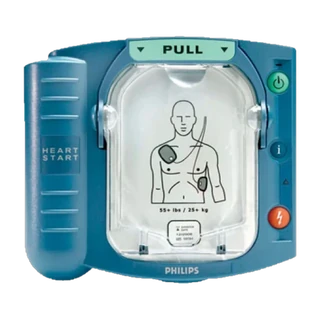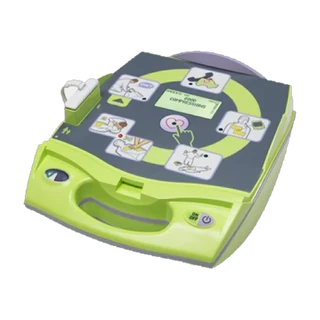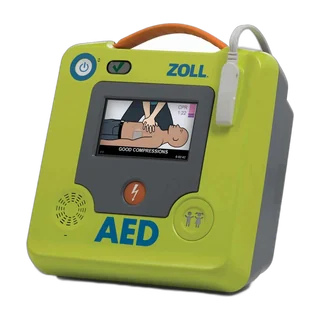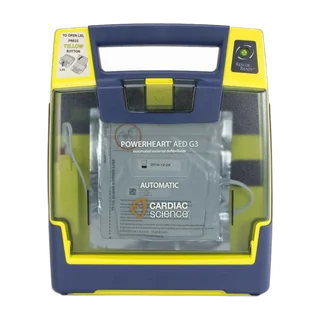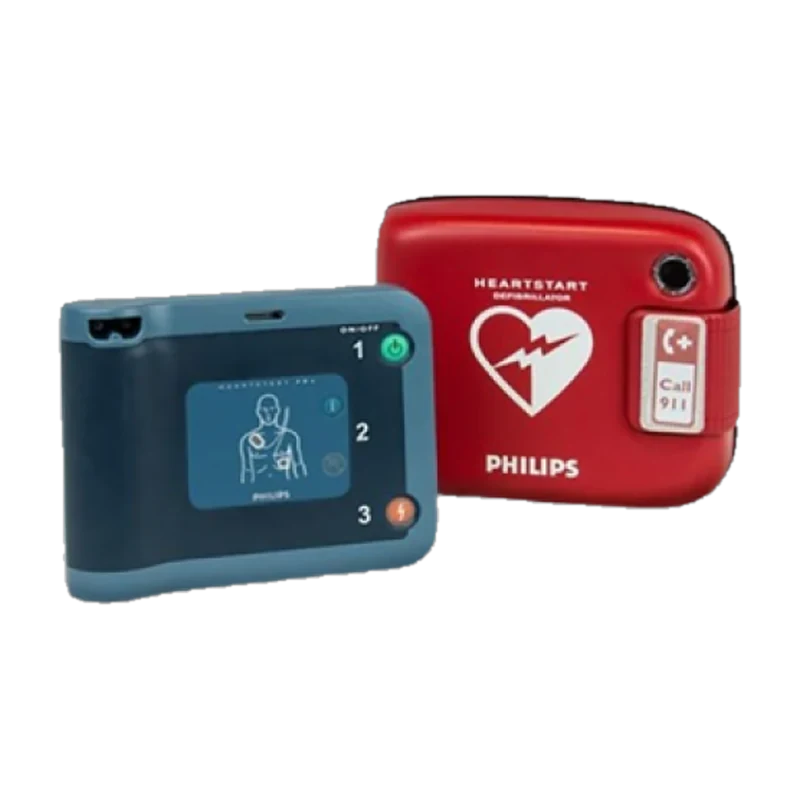
Is this your AED?
Blue-grey, often kept in a red carry case. “HeartStart FRx” is printed on the front. The model name is printed on the front of the unit and on the label at the back.
1. Is it ready? Check the readiness light
Every AED tests itself and shows the result on a readiness indicator. On the FRx it is the small green Ready light, not the green On/Off button.
- Ready: It blinks green every few seconds. There can be a gap of a few seconds between blinks, so watch for a full 10 seconds before deciding.
- Not ready: No blink in 10 seconds, or the AED chirping, means it needs attention.
See what the light means on other models in our status light guide.
2. Find the serial number
The small “SN” label at the bottom of the back panel.
How old is your FRx?
Philips puts the year and month in the serial number: after the first letter come two digits for the year, then a letter for the month (A is January, L is December). “B17C-00516” was made in March 2017.
Age matters: many AED owners plan to replace a unit at around ten years, and an older unit may no longer be supported by its maker. More in how old is my AED.
3. Check the pads expiry date
On the grey SMART Pads II case: the small label near the bottom, with the date beside the ⌛ symbol.
Replace the SMART Pads II if the date has passed, after any use (they are single-use), or if the package is open or damaged. Expired pads can dry out and may not stick or conduct properly. More in AED pads expiry.
4. Check the battery date
On the blue battery at the back: the “Install before” date.
The “Install before” date is for a spare still in its packaging: don’t fit one that is past it. Once fitted, the AED’s own self-tests keep watch on it.
More in AED battery expiry.
5. Make sure the battery is fitted
The blue battery should sit fully in and flush with the back of the AED.
6. Make sure the pads are connected
The blue pads plug should be pushed fully into the pads socket. The FRx keeps its pads plugged in, so they’re ready the moment it’s opened.
Child pads or key
The FRx uses an infant/child key for children under 8 or under 25 kg. Keep it beside the AED, not left in its slot.
The cabinet, rescue kit and emergency sign
- Cabinet or case: easy to reach, not locked or blocked, and the alarm working if it has one.
- Rescue kit: gloves, a razor, scissors and a CPR face mask, sealed and with the AED.
- Emergency contacts sticker: on the AED or its cabinet, with your local emergency number.
If something fails
Many faults take seconds to fix: push the battery fully home, plug the pads back in, close the lid, then check the readiness light again. An expired battery or pads can’t be fixed on the spot and need replacing. The free inspection’s report lists exactly what failed, and you can ask for a quote for the right pads or battery for your FRx from the result screen.